

Description
Insert Google Adsense into widget area and don´t worry about any settings. You can also insert a shortcode to your content and set ad format if you want.
Features:
-
Google Ads widget allow multiple ads on the page
-
Shortcode to insert your ad to content
-
No settings needed, just insert your pub-id and show your ads.
Shortcode:
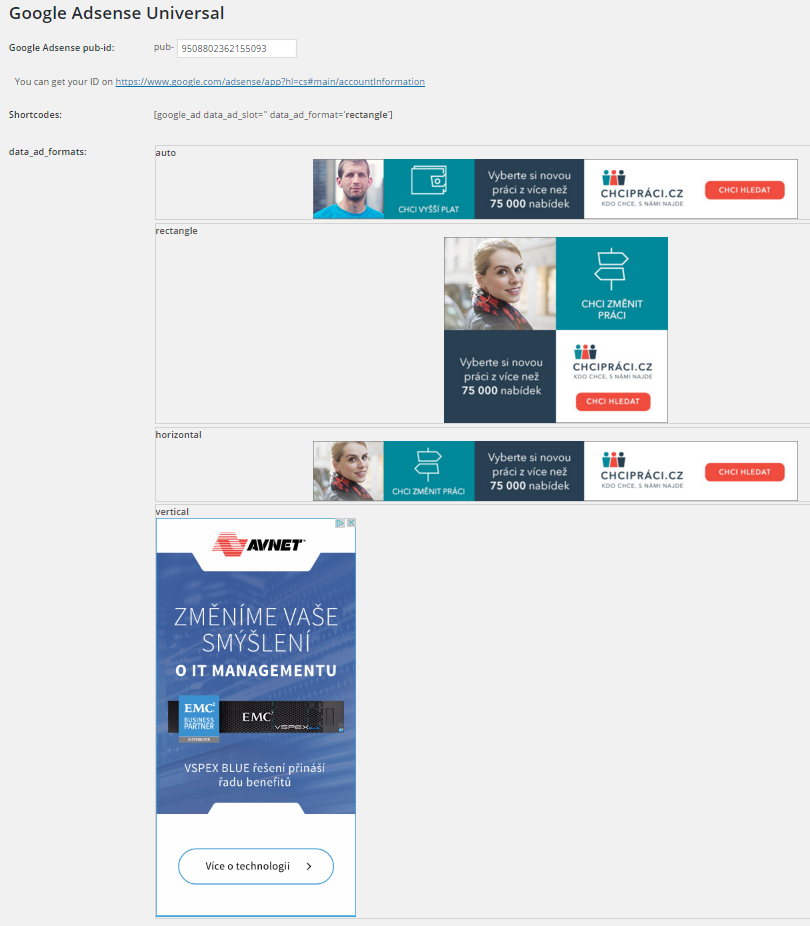
[google_ad data_ad_slot='' data_ad_format='auto']
data_ad_slot:
-you can specify which exact ad you want to display
data_ad_format:
-auto
-rectangle
-horizontal
-vertical
Screenshots
Installation
- Upload
google_ads_universalfolder to the/wp-content/plugins/directory - Activate the plugin through the ‘Plugins’ menu in WordPress
- Go to settings and insert yout pub-id
FAQ
How can i set ads dimensions?
You can´t, Google will do it for you. This plugin do it for you as simple as possible.
Reviews

ডেভেলপার এবং কন্ট্রিবিউটর
“Zedna Universal Ads” is open source software. The following people have contributed to this plugin.
কন্ট্রিবিউটর
Translate “Zedna Universal Ads” into your language.
ডেভেলপমেন্ট এ আগ্রহী?
Browse the code, check out the SVN repository, or subscribe to the development log by RSS.
Changelog
1.0
- First version