ওয়ার্ডপ্রেসের সাথে দেখা করুন
বিশ্বজুড়ে লক্ষ লক্ষ ওয়েবসাইটের—কনটেন্ট নির্মাতা, ছোট ব্যবসা থেকে শুরু করে বড় বড় প্রতিষ্ঠান—সবার পছন্দের ওপেন সোর্স প্রকাশনা প্ল্যাটফর্ম।

Design
Create any website with flexible design tools and the power of blocks. Start with a blank canvas or choose a theme. Customize every detail—no code needed.

Build
কনটেন্ট যোগ, সম্পাদনা বা পুনর্বিন্যাসের সময় আপনার সাইট কেমন দেখাবে তা রিয়েল-টাইমেই দেখুন — সবকিছুই হবে স্বচ্ছন্দ, সহজবোধ্য এডিটিং এবং সমন্বিত ফিচারের মাধ্যমে।

Extend
Make your site do whatever you need it to. Add a store, analytics, newsletter, social media integration; you’re in control with an extensive library of plugins.
WordPress 7.1 makes styling
and editing easier
Customize block styles responsively across screen sizes and interactive states without CSS. A streamlined media editor that puts the right tools front and center, while Notes now support rich text and @mentions. The admin bar also stays with you across the Site Editor and block editor.

একটি প্ল্যাটফর্ম, সম্ভাবনার এক মহাবিশ্ব
বিশ্বজুড়ে ওয়েবসাইট উদাহরণগুলির একটি সংগ্রহ আবিষ্কার করুন, যা স্পটলাইট চমত্কার ডিজাইন, প্রযুক্তিগত উদ্ভাবন, এবং ওয়ার্ডপ্রেসের সীমাহীন শক্তির জন্য তৈরি









ওয়ার্ডপ্রেস কমিউনিটির সঙ্গে পরিচিত হন
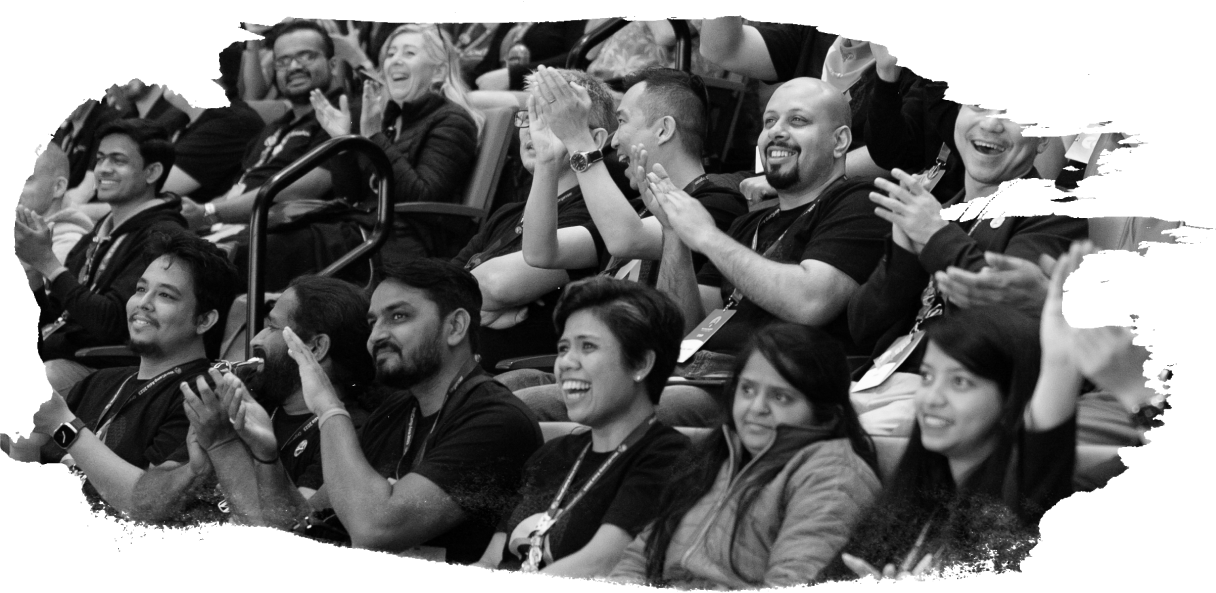
Behind the technology is a diverse collective of people collaborating and gathering from around the world. We hold regular events with opportunities to learn more about WordPress and the latest tech trends, connect with fellow industry experts, and foster your professional growth.
We’re united by the spirit of open source, and the freedom to build, transform, and share without barriers. Everyone is welcome.
Build for yourself, not by yourself
আপনি একজন উদ্যোক্তা, পেশাদার বিকাশকারী, বা প্রথমবারের মতো ব্লগার হোন না কেন, আপনার জন্য প্রস্তুত সম্পদ এবং শেখার সরঞ্জামগুলির একটি লাইব্রেরি রয়েছে৷ এছাড়াও, আপনার কোণায় পুরো ওয়ার্ডপ্রেস সম্প্রদায় রয়েছে।
সর্বশেষ ওয়ার্ডপ্রেস খবর
Wear the internet you make

শুরু করুন
শুরু করার জন্য আপনার যা যা দরকার তা খুঁজুন, প্ল্যাটফর্ম ডাউনলোড করুন, হোস্টিং খুঁজুন এবং আরও অনেক কিছু—সেটি আপনার প্রথম সাইট হোক বা নব্বইতম সাইট।