
Description
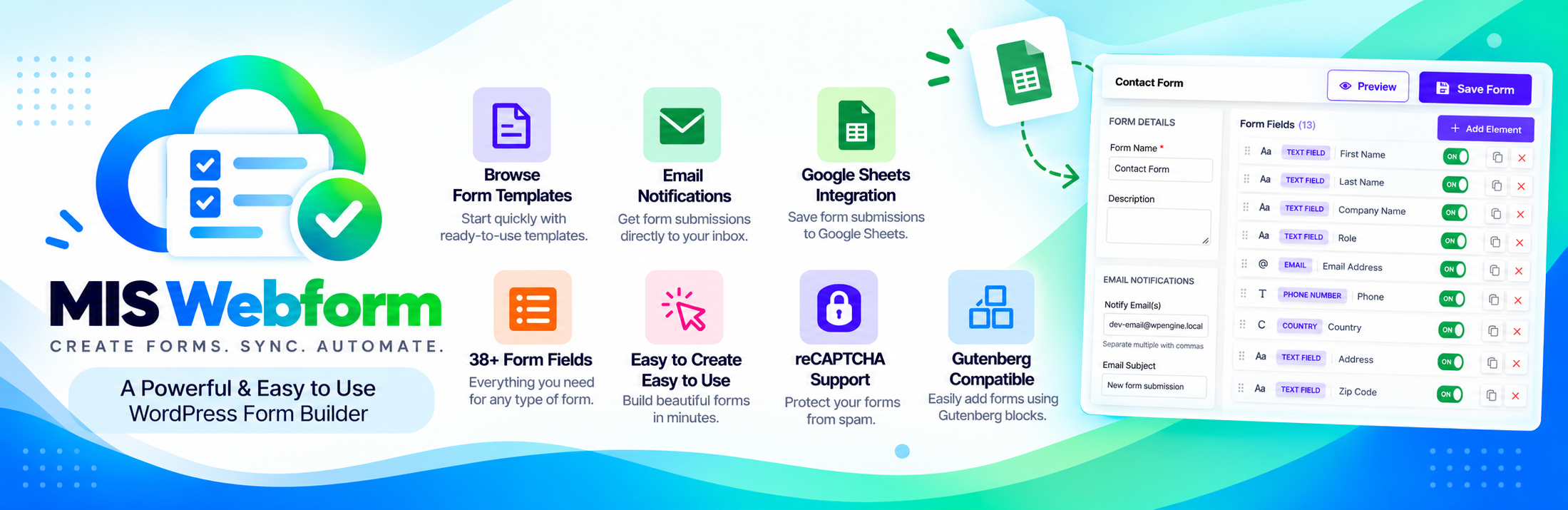
MIS Webform is a full-featured form builder for WordPress. Create contact forms, surveys,
registration forms, and multi-step forms in minutes. No coding needed, and no limit on forms or
submissions.
Features
- Drag-and-drop form builder with 38+ field types
- 8 ready-made templates: contact, donation, membership, course enrollment, event RSVP, file
upload, poll, and survey - Multi-step forms with a progress bar
- Conditional logic: show or hide fields based on the visitor’s answers
- File uploads: images, documents, audio, and video, with file type and size limits
- Signature field: visitors sign with their mouse or finger
- Form validation: required fields, length limits, and custom error messages
- Email notifications to you, plus an optional copy to the visitor
- Spam protection: honeypot, Google reCAPTCHA, and submission rate limiting
- Form block for the WordPress block editor, plus a shortcode for any page
- Live preview of your form before you publish it
- Submissions inbox with unread markers, file downloads, and CSV export
- Form analytics dashboard: views, submissions, and conversion rate for the last 7 days
- Google Sheets sync: send every new submission to a Google spreadsheet automatically
- Privacy friendly: works with the WordPress personal data export and erase tools
Field types
Text, email, phone, number, website, date, time, dropdown, multi-select, radio buttons,
checkboxes, toggle, name, address, country, star rating, slider, Likert scale, color picker,
signature, terms and conditions, hidden field, file upload, page break, and more.
External services
This plugin can connect to two Google services. Both are off by default and only work after you
set them up.
Google reCAPTCHA (optional spam protection for a form)
- Sends: the visitor’s reCAPTCHA answer and IP address to Google, when they submit a form that has
reCAPTCHA turned on. The reCAPTCHA script is loaded fromhttps://www.google.com/recaptcha/api.js
and the answer is checked athttps://www.google.com/recaptcha/api/siteverify. - When: only on forms where you turned reCAPTCHA on and added your own keys.
- Privacy Policy and Terms of Service
Google Sheets (optional, MIS Webform Google Sheets)
- Sends: your service account sign-in to
https://oauth2.googleapis.com/token, and the form
answers you chose tohttps://sheets.googleapis.com/v4/spreadsheets/. These answers can include
personal data the visitor entered. - When: only after you connect a Google account and turn on a feed for a form.
- Privacy Policy, Terms of Service, and Google APIs Terms
Nothing else is sent anywhere. All other files are bundled with the plugin.
Credits
Date and time picker: flatpickr 4.6.13 (MIT license).
Blocks
This plugin provides 1 block.
- MIS Webform Insert a form you have created with MIS Webform.
Installation
- Go to Plugins Add New, search for MIS Webform, then install and activate it.
- Go to MIS Webform New Form and build your form, or pick a template.
- Add the form to a page with the MIS Webform block, or paste its shortcode, for example
[mis-webform id=”1″].
FAQ
-
How do I add a form to a page?
-
In the block editor, click +, search for MIS Webform, and choose your form. In other editors,
paste the form’s shortcode, for example[mis-webform id="1"]. -
Where can I see the submissions?
-
Go to MIS Webform Submissions. You can read them, download uploaded files, delete them, and
export them to CSV. -
How do I send submissions to Google Sheets?
-
- Go to MIS Webform Google Sheets and add your Google service account key. The page shows
step-by-step how to get one. - Share your spreadsheet with the service account email as an Editor.
- Create a feed: choose a form and a spreadsheet, then save.
Each new submission is then added as a new row. The free version connects each form to one
spreadsheet. - Go to MIS Webform Google Sheets and add your Google service account key. The page shows
-
What is the signature field?
-
It lets visitors sign your form with their mouse or finger, like signing on paper. The signature is
saved as an image with the submission. -
What does the dashboard show?
-
How many people viewed each form, how many submitted it, and the conversion rate, for the last 7
days. No personal visitor data is stored for this. -
Are uploaded files safe?
-
Yes. Uploaded files are stored in a protected folder with random names, and only administrators can
download them. On Nginx servers, add this rule:
location ^~ /wp-content/uploads/mis-webform-private/ { deny all; } -
My site uses Cloudflare. Why do all submissions show the same IP?
-
Go to MIS Webform Settings Visitor IP address and choose Cloudflare.
-
Will I lose my forms if I delete the plugin?
-
No. Your forms and submissions are kept unless you turn on Data on uninstall in
MIS Webform Settings before deleting the plugin.
Reviews
There are no reviews for this plugin.
ডেভেলপার এবং কন্ট্রিবিউটর
“MIS Webform” is open source software. The following people have contributed to this plugin.
কন্ট্রিবিউটর
Translate “MIS Webform” into your language.
ডেভেলপমেন্ট এ আগ্রহী?
Browse the code, check out the SVN repository, or subscribe to the development log by RSS.
Changelog
1.0.2
- New: Form block for the WordPress block editor.
- New: Form analytics dashboard with views, submissions, and conversion rate.
- New: Google Sheets sync for form submissions.
- New: Live preview of forms in a new tab.
- New: Save and Preview buttons stay visible while you edit a form. Press Ctrl+S to save.
- New: Cloudflare and proxy support for the visitor IP address.
- Improved: New design for the Submissions and Settings pages.
- Improved: Likert scale fields now show as a rating scale.
- Fixed: Forms with hidden required fields can now be submitted.
- Fixed: Name, address, and “Other” answers are now saved.
- Fixed: Multiple file uploads now keep every file.
- Fixed: File links in notification emails now open.
- Fixed: reCAPTCHA now works when the form is submitted a second time.
- Fixed: File uploads on Windows servers.
- Fixed: Uploaded files are now deleted together with their submission.
- Security: Stronger protection for uploaded files and email notifications.
1.0.1
- Fixed: Database tables now install on all MySQL and MariaDB versions.
1.0.0
- Initial release.