Description
Many sites, especially those serving customers in the European Union, are expected to publish an accessibility statement. It tells visitors which standard you aim to meet, how far you meet it, what does not work yet, and how to contact you about a barrier.
Hasslefreevalue Accessibility Statement helps you write that statement without starting from a blank page:
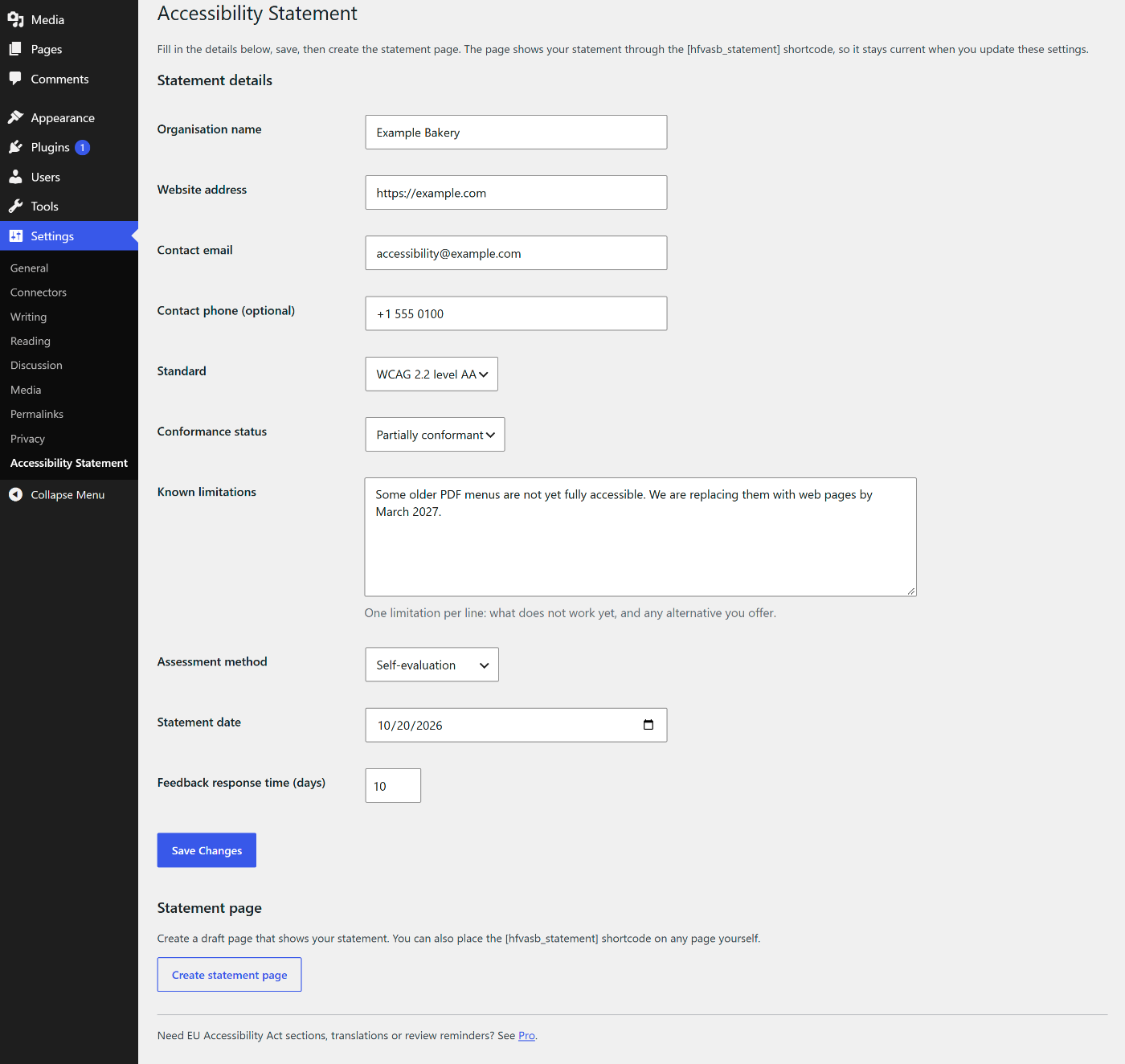
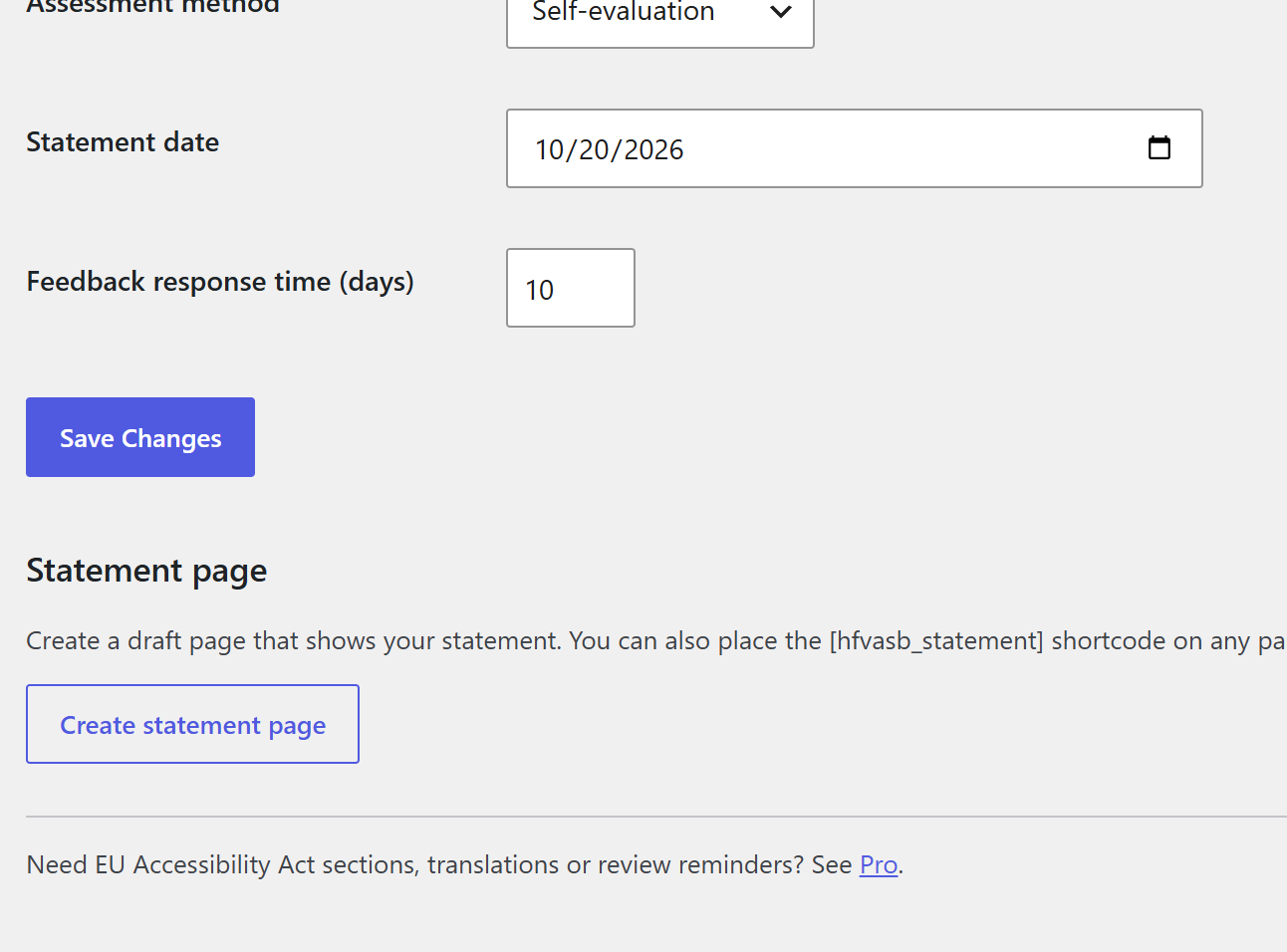
- Fill in one form under Settings -> Accessibility Statement: organisation, website, contact email and phone, standard (WCAG 2.1 AA, WCAG 2.2 AA or EN 301 549), conformance status, known limitations, how you assessed the site, the statement date and how quickly you respond to feedback.
- Click “Create statement page”. The plugin creates a draft page that shows your statement through the
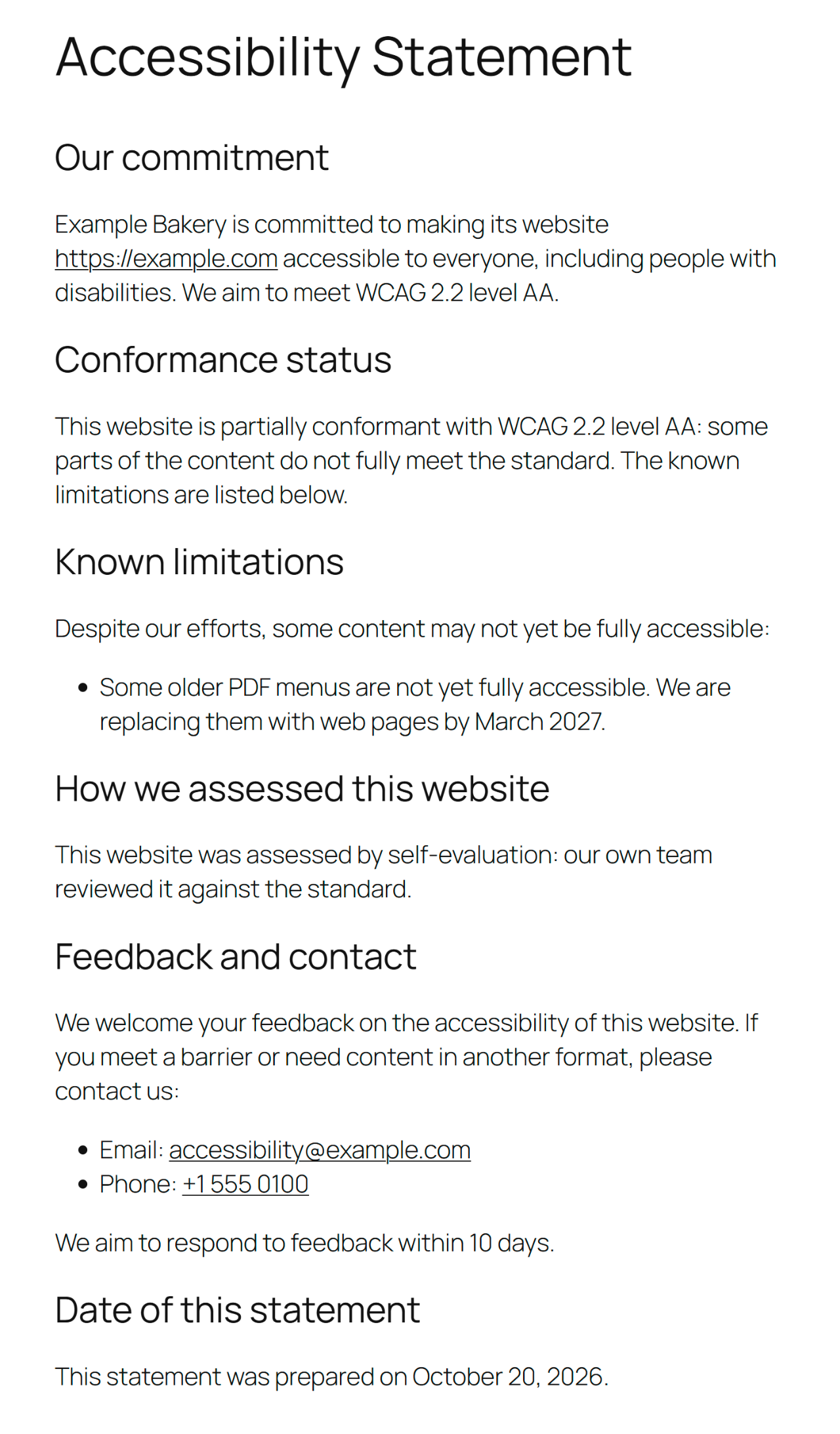
[hfvasb_statement]shortcode. Review it and publish it. - Change the settings later and the published statement updates itself.
The statement uses plain headings (commitment, conformance status, known limitations, assessment, feedback and contact, date) and inherits your theme’s styles.
The plugin sends no data anywhere, loads nothing from other servers and adds no tracking.
Pro add-on
The free plugin is complete on its own: everything described above works without the add-on, and nothing in it is locked. A separate Pro add-on plugin, sold at https://payhip.com/b/maT1C, adds European Accessibility Act sections, statement translations, review reminders and a statement history. It is installed beside this plugin.
Screenshots
Installation
- Install the plugin from Plugins -> Add New Plugin, or upload the
hasslefreevalue-accessibility-statementfolder to/wp-content/plugins/. - Activate it on the Plugins screen.
- Go to Settings -> Accessibility Statement, fill in the form and save.
- Click “Create statement page”, then review and publish the draft page.
FAQ
-
Does this plugin make my site accessible?
-
No. This plugin helps you write a statement; it does not make a site accessible or certify compliance. The statement should describe the real state of your site, so test your site (or have it tested) and list what does not work yet.
-
Does the plugin send any data to other servers?
-
No. All settings are stored in your own WordPress database and the plugin makes no external requests.
-
Can I put the statement on an existing page?
-
Yes. Add the
[hfvasb_statement]shortcode to any page or post. -
What happens when I delete the plugin?
-
Deleting the plugin removes its settings. Pages you created, including the statement page, are kept, but the shortcode on them will no longer display the statement.
Reviews
There are no reviews for this plugin.
ডেভেলপার এবং কন্ট্রিবিউটর
“Hasslefreevalue Accessibility Statement” is open source software. The following people have contributed to this plugin.
কন্ট্রিবিউটর
Translate “Hasslefreevalue Accessibility Statement” into your language.
ডেভেলপমেন্ট এ আগ্রহী?
Browse the code, check out the SVN repository, or subscribe to the development log by RSS.
Changelog
1.0.1
- Readme: screenshots and a link to the Pro add-on. No code change.
1.0.0
- First release: statement settings page, statement shortcode and one-click draft statement page.